
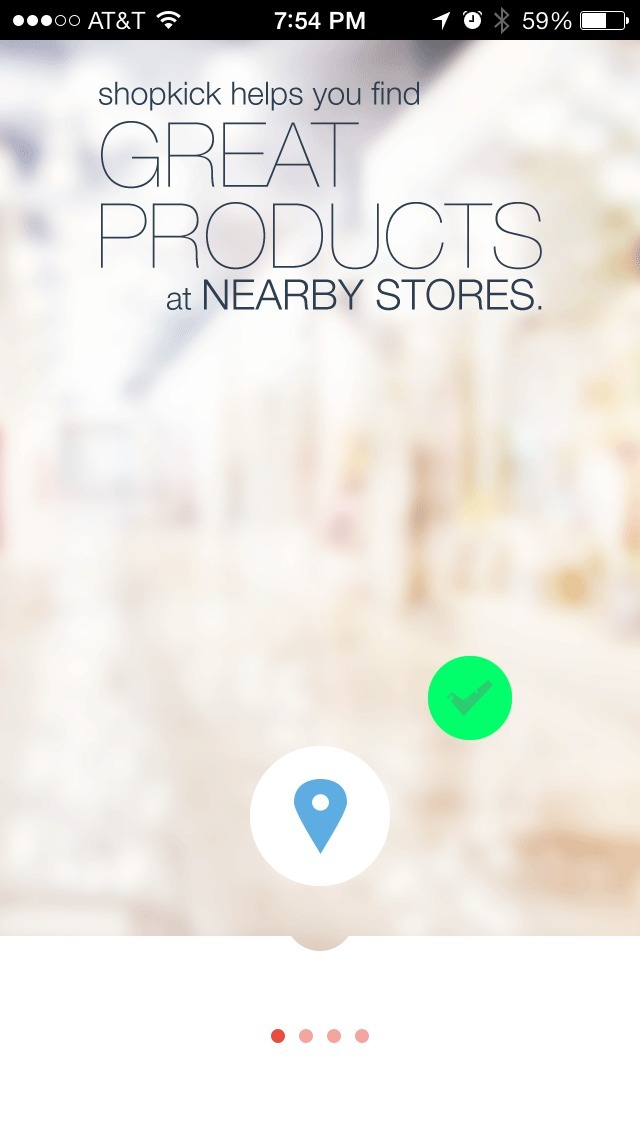


This is the first launch experience for the Shopkick app on iPhone.
The good bits:
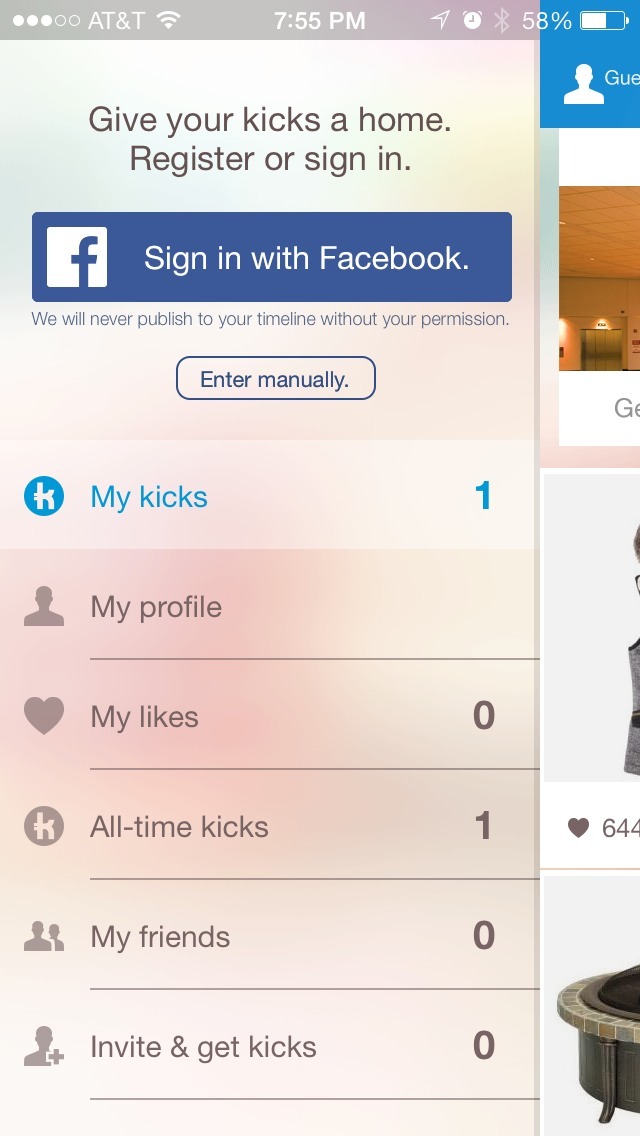
Shopkick allows users to access their app without the requirement of signing in. Non-signed-in users can view products, get shop alerts, and like items. This provides a good sample of its product offering without requiring an account.
When users finish the setup wizard experience, they receive a badge that awards them “1 kick.” It may be unclear to users at this point what a “Kick” is, but it provides an early feeling of success to build off of.
To be improved:
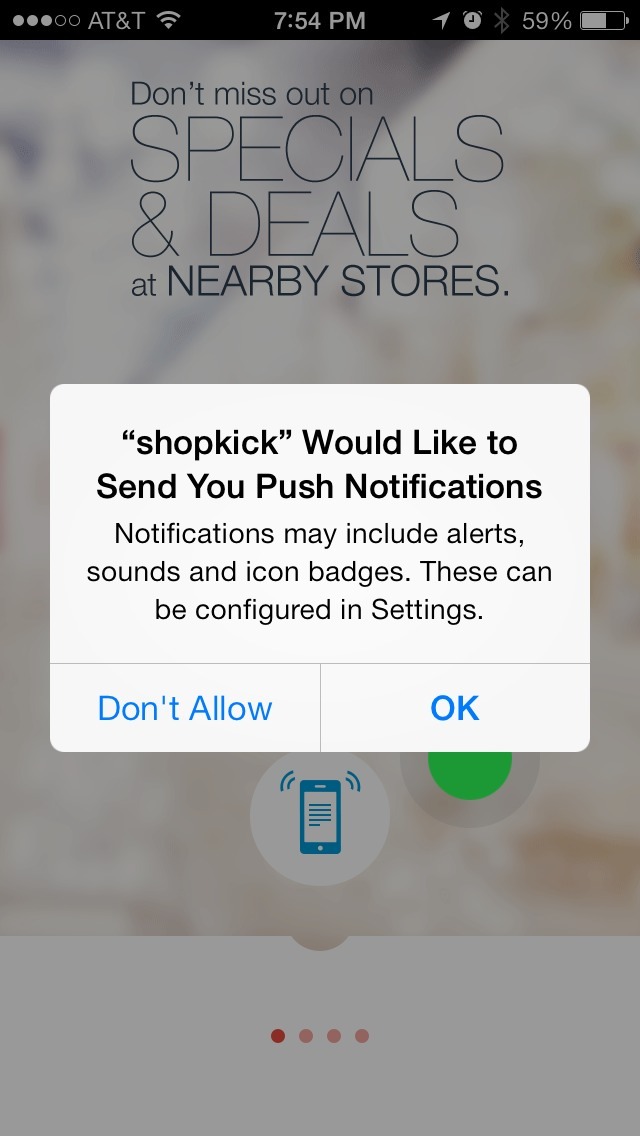
The 4 screens at the start of the app appear to be an introductory tour (the dots at the bottom resemble standard iOS swipe indicators) but they are instead part of a setup wizard, requiring input in order to progress. The first screen is interrupted by the iOS location prompt, then with the iOS notifications prompt. Oddly, it seems that tapping “OK” on the notifications prompt is required to move to the second screen in the introduction.
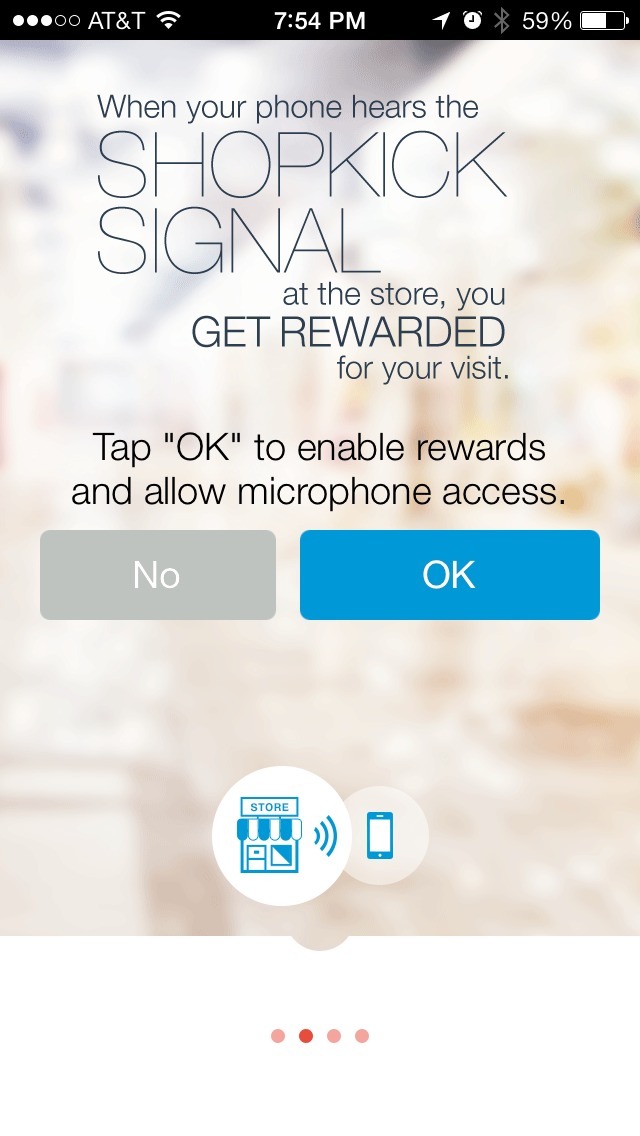
The typography on all of the screens is not conducive to at-a-glance reading, so users may spend more time trying to figure out what actions they’re being asked to take.
Another point of possible frustration is the double-confirmation required on the second screen, which requests microphone control. If “No” is selected, the app does not progress the screen but replaces the top text with a warning message. It’s this message that more clearly explains why microphone access is even necessary (frustratingly, if you select “No” a second time, you will see this exact screen again for a tripe-confirmation after you complete setup).
The third screen prompts for Facebook login. A user can select “Enter Manually” to sign up/in with an email address, and from here can choose to continue into the app without an account by tapping “Just try it for now”. This option could be surfaced more prominently/earlier in setup, instead of being buried on this screen.