
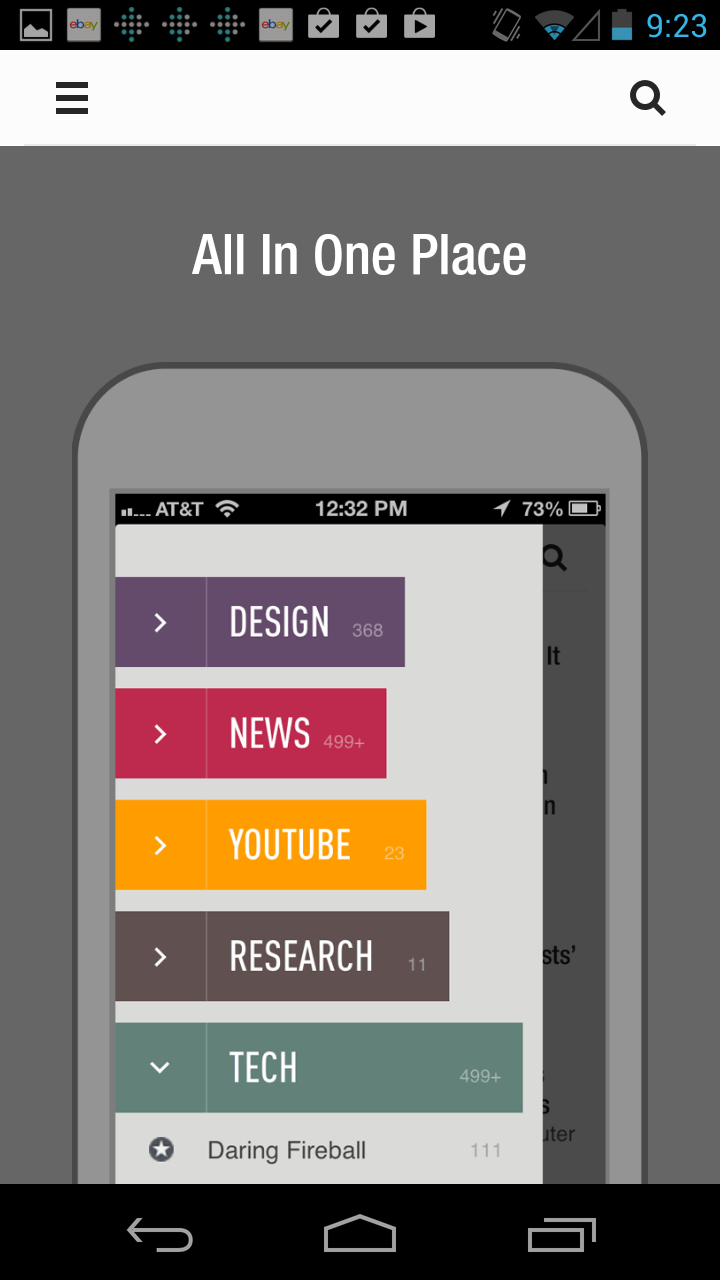
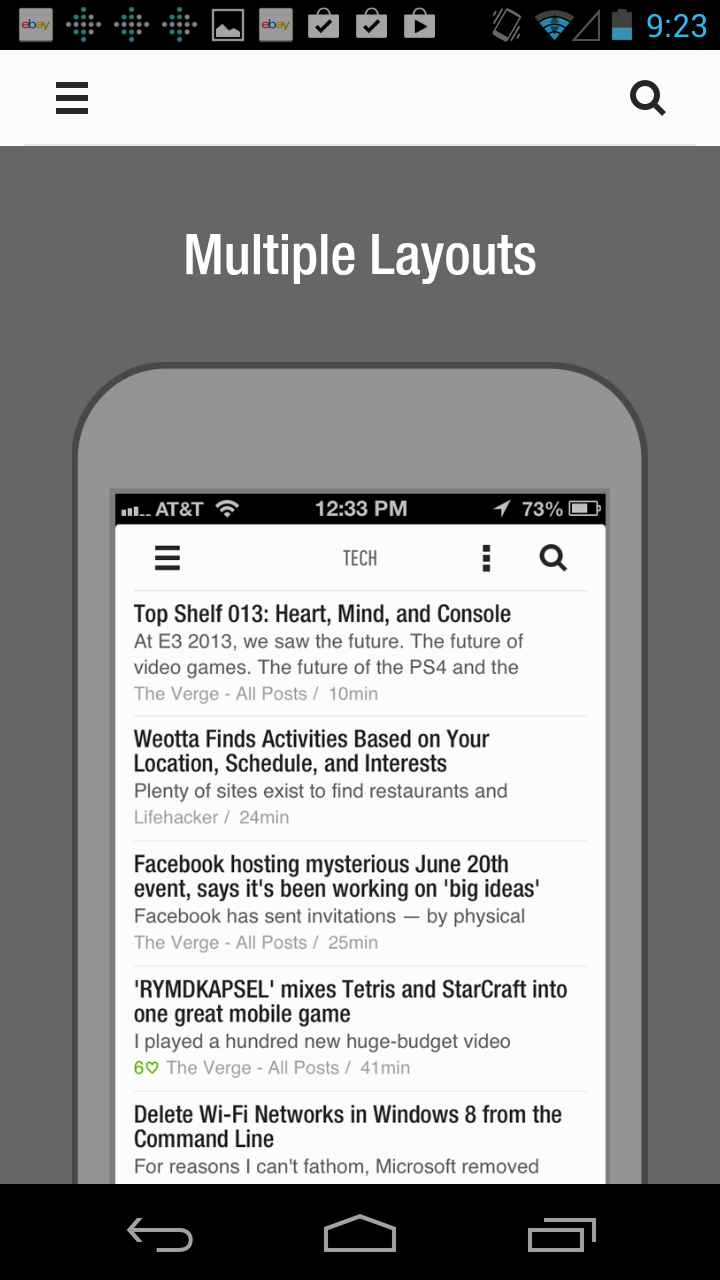
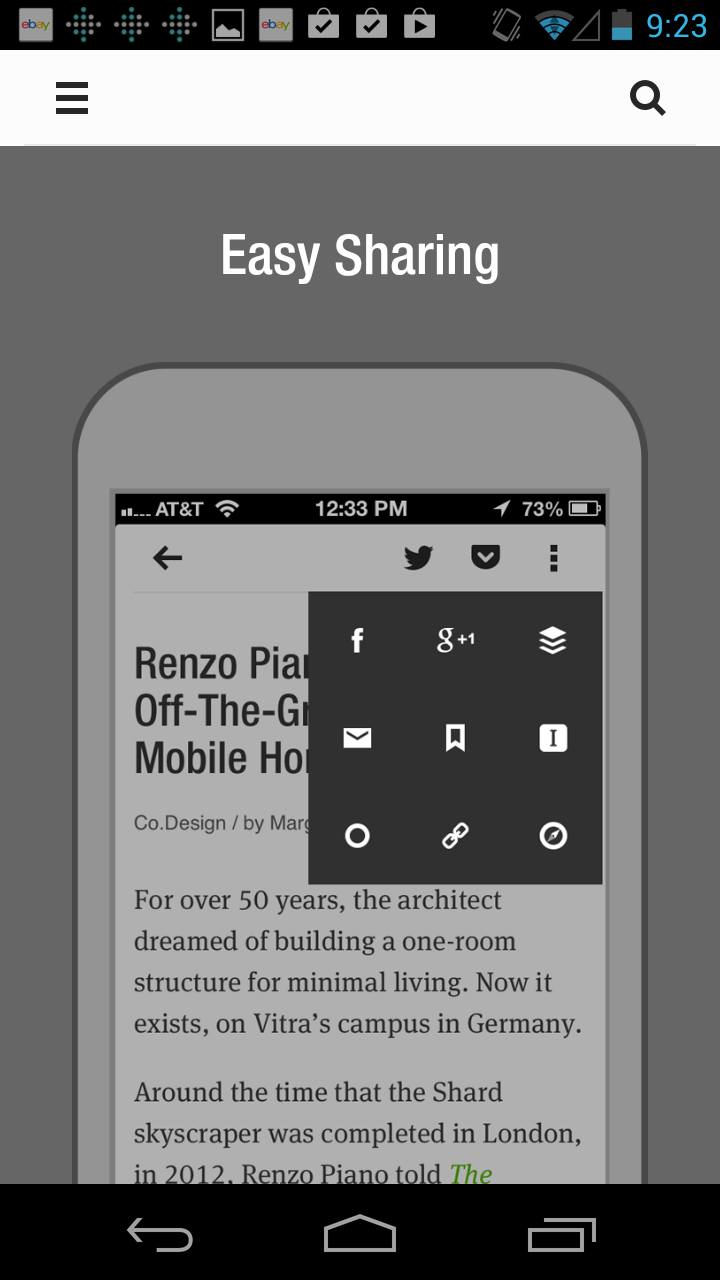
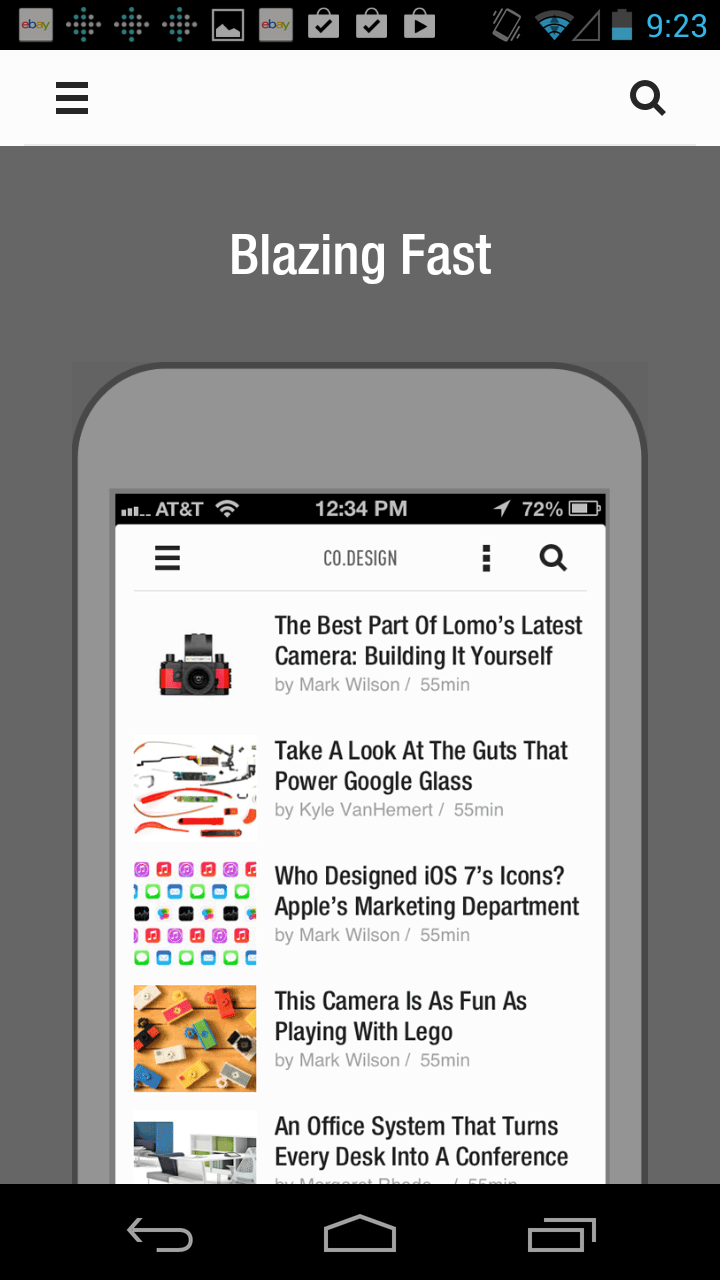
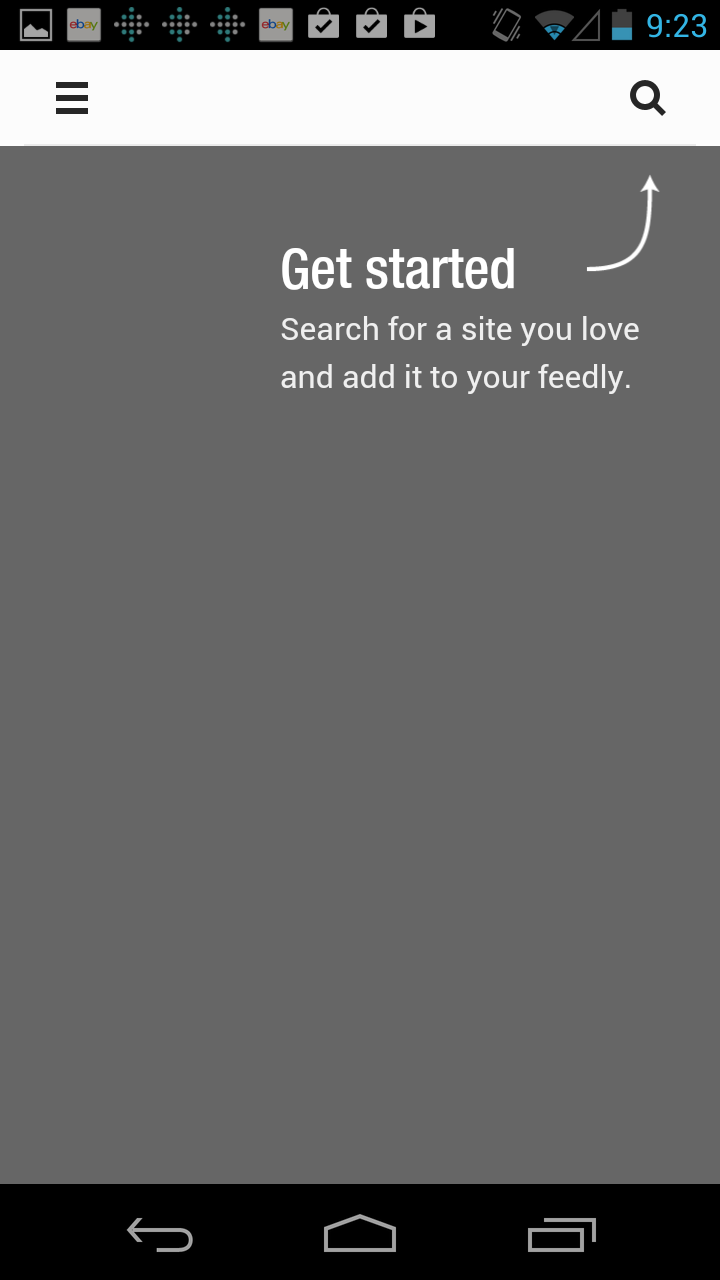
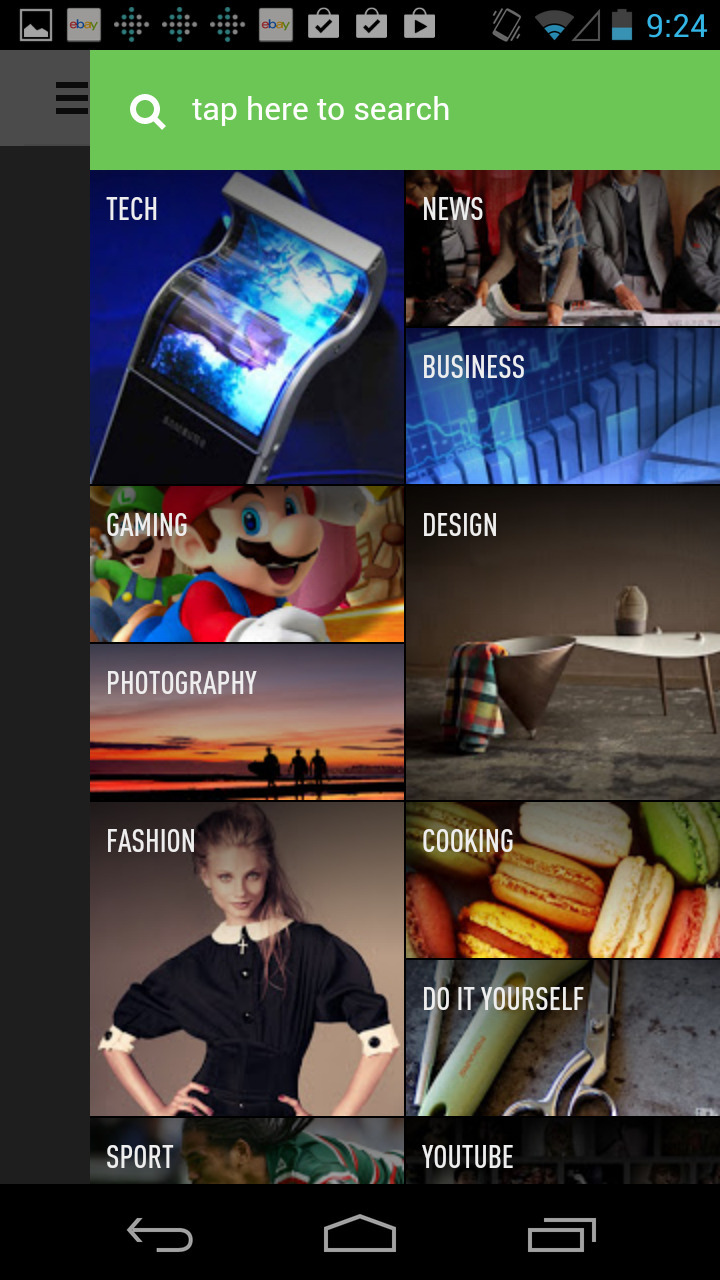
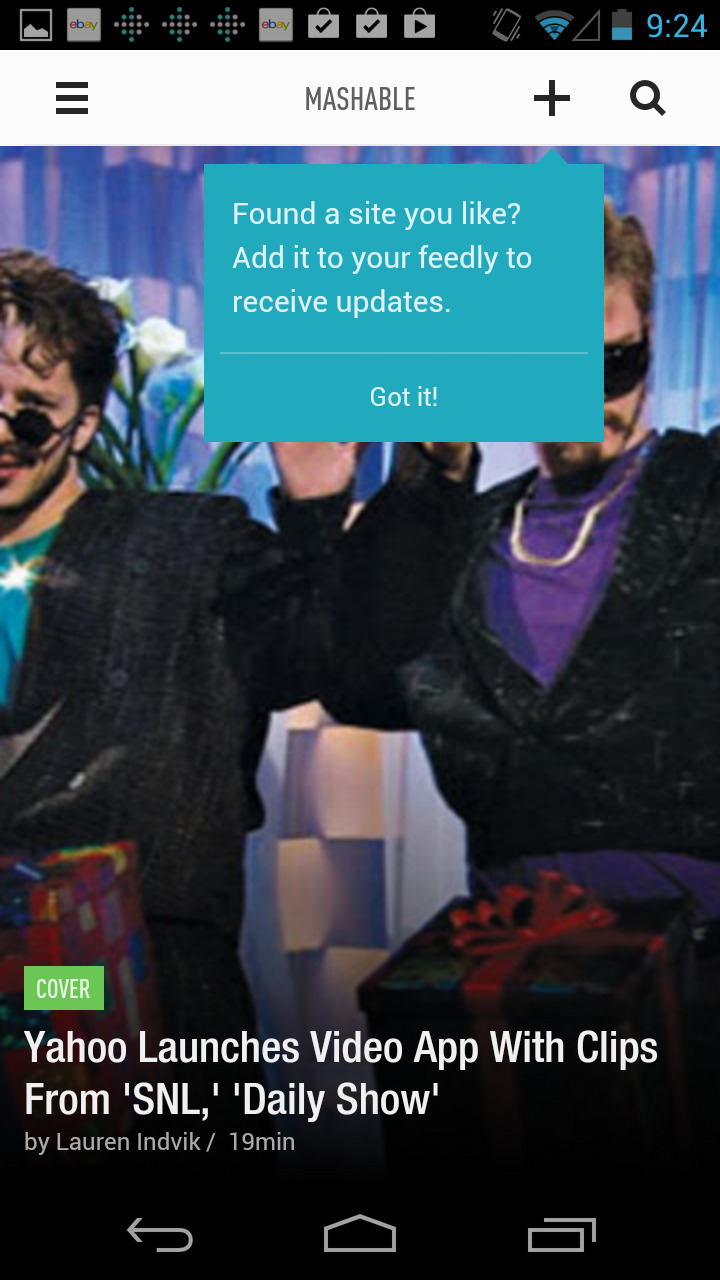
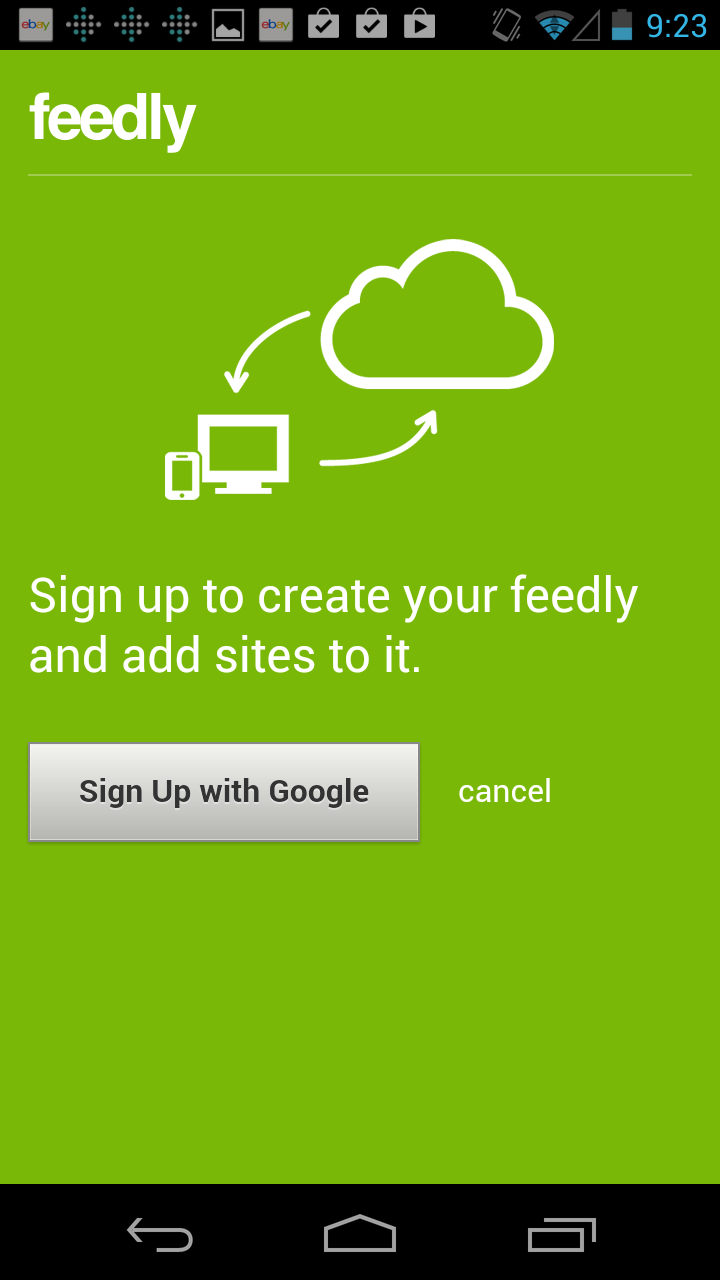
Feedly is a great app for capturing and organizing RSS feeds. It’s also known for having a great user interface. These screenshots show its first run experience on an Android device.
To be improved:
Feedly starts off with a 5-step feature intro, which required me to swipe upwards through several screenshots accompanied by feature bullet points like “Multiple Layouts” and “Blazing Fast”. None of these explained anything about how to use the app and felt like a redux of the Play Store app description. The intro ended with a blank slate screen pointing to the search icon. When I tapped the search icon I was presented with starting categories like Tech, News and Design, making me wonder why I wasn’t pushed to this content in the first place, since it’s really the heart and soul of an app like this.
The good bits:
After I selected my first source (in this case, Mashable), Feedly provided a lightweight prompt to teach me how to add it to my feed. Even better, the app held off on asking me to sign in until I hit one of these moments, instead of trying to get me to do this on app launch.
As a side note, this first time experience is identical to the one in the iOS version of the app.