
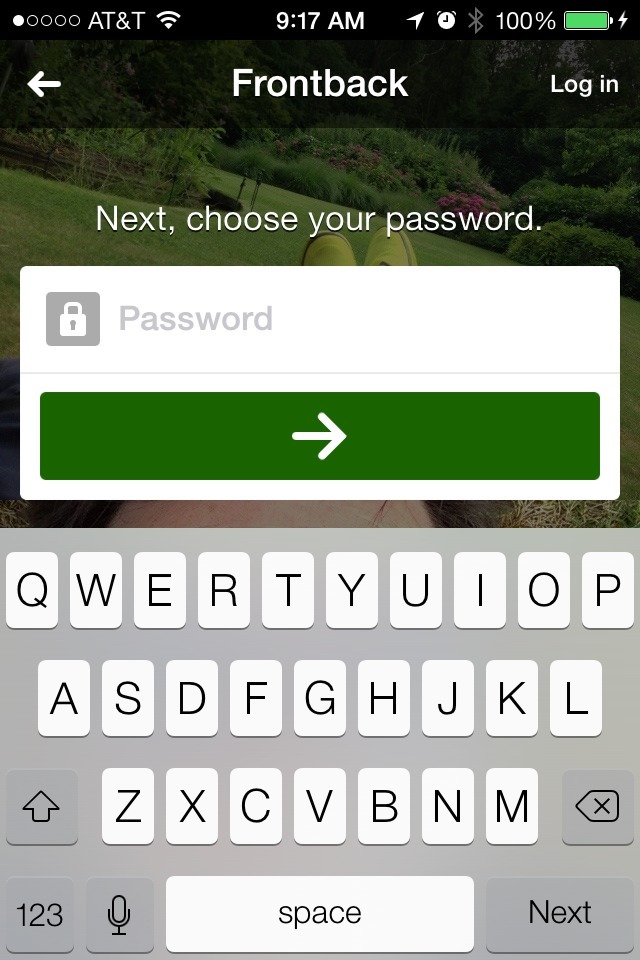
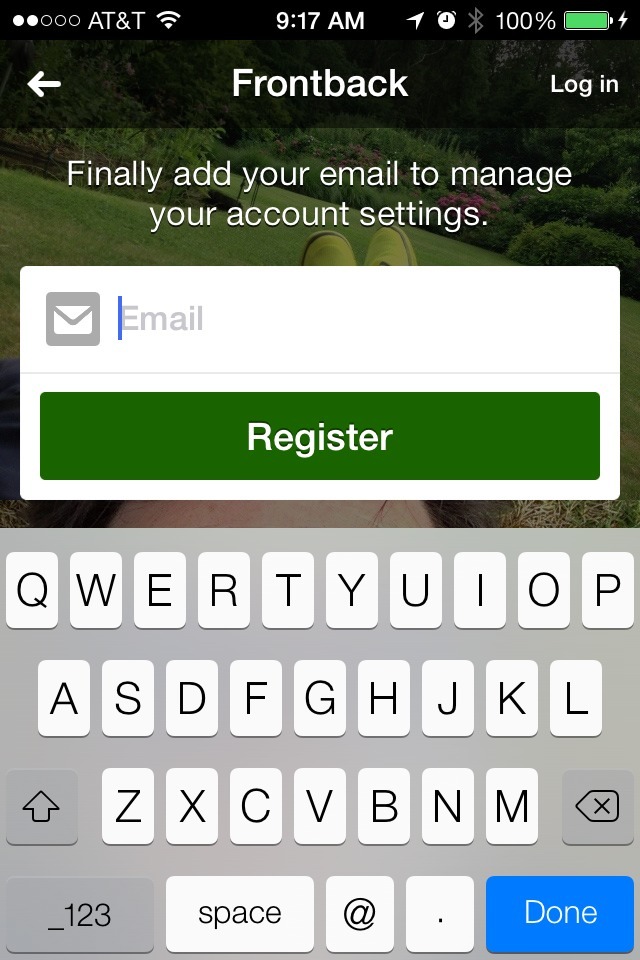
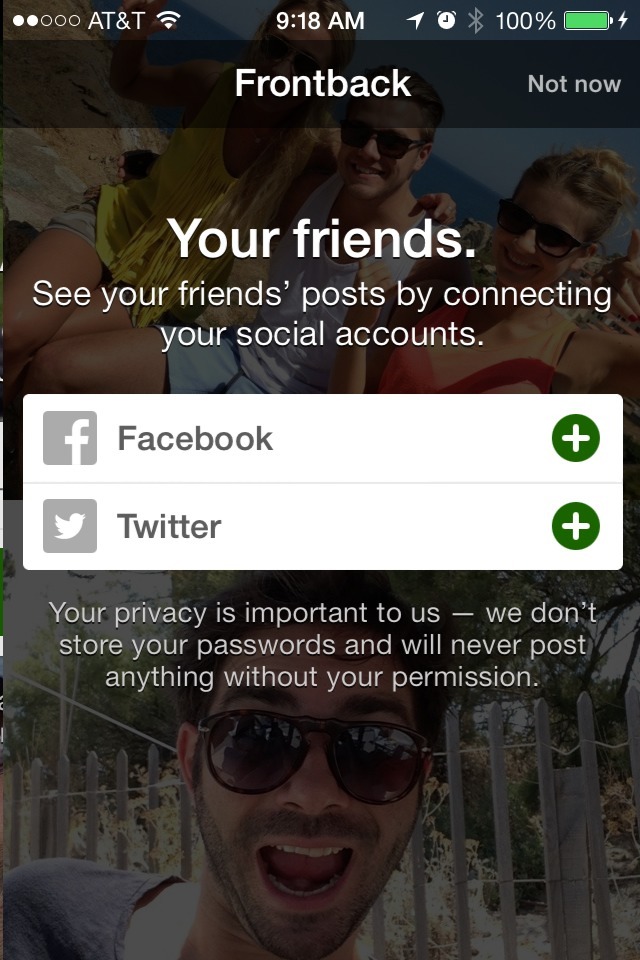
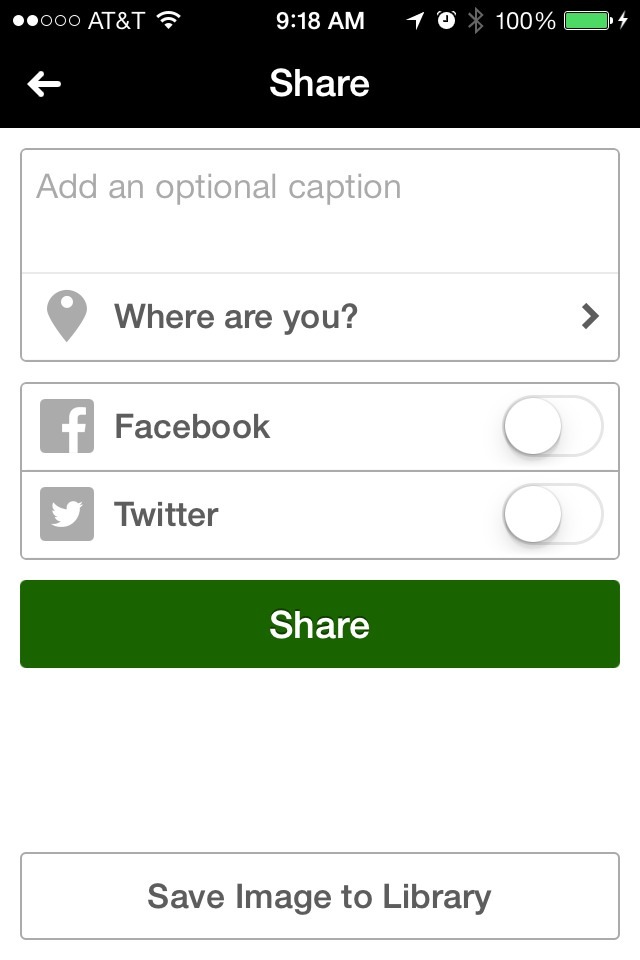

This is the first run experience for an app called Frontback. The app lets people to snap a pair of photos on their phone, one from the front-facing camera and another from the rear camera, combine them, and share the pair as a way to tell stories about what’s happening at a given time.
The good bits:
Frontback offers a very simple experience for new users. Although the first screen urged me to sign up, it also gave me an opportunity to check out its content and features via the “Explore Frontback” button lower on the screen. By providing access to a sample experience, the app team kept this sign-up screen from being a complete barrier.
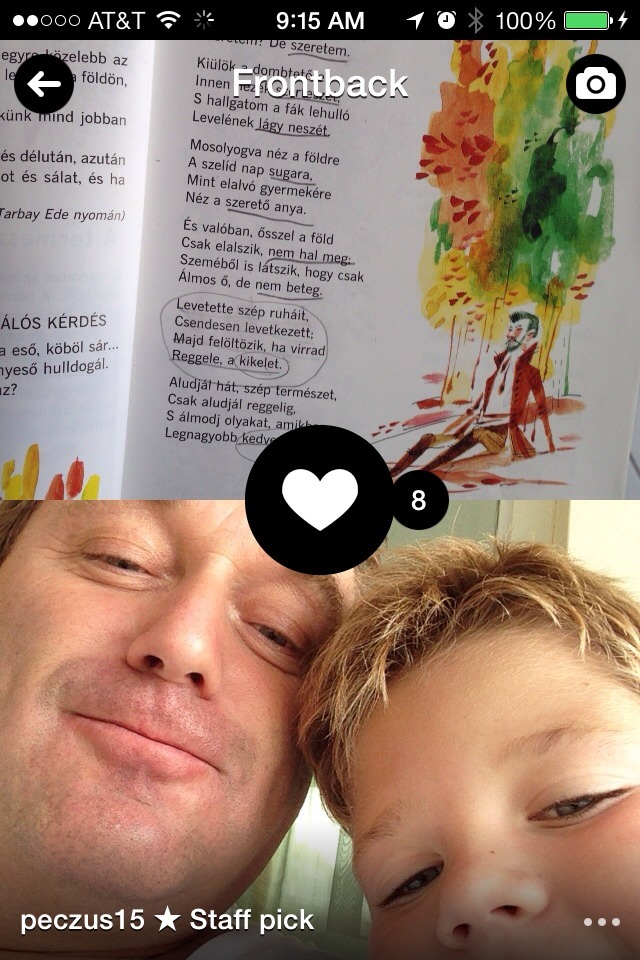
Tapping “Explore Frontback” brought me to the app’s home screen populated with a feed of “frontbacks” from other users. The feed was set to staff picks so that I didn’t start out with a blank slate.
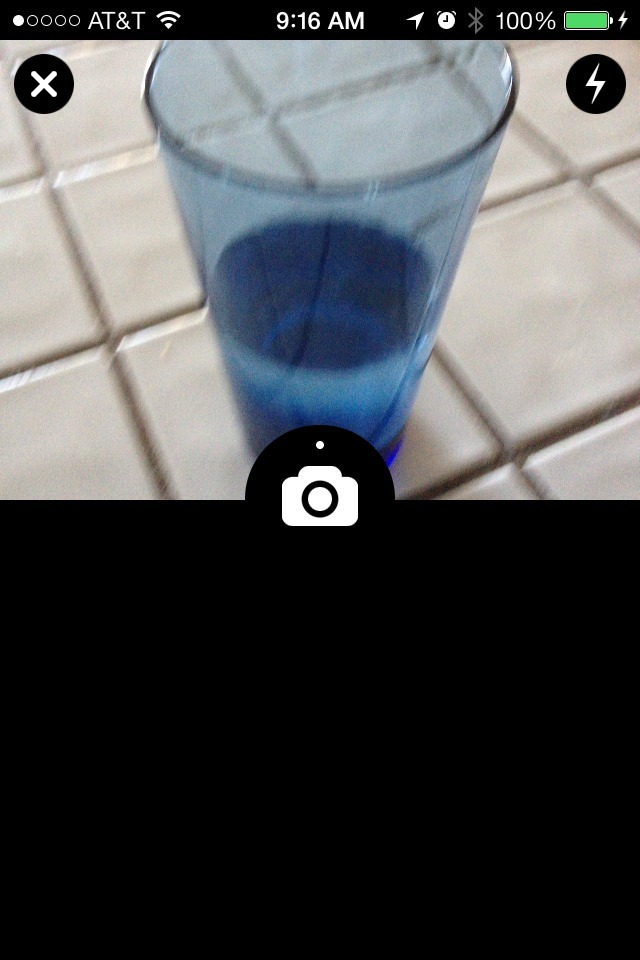
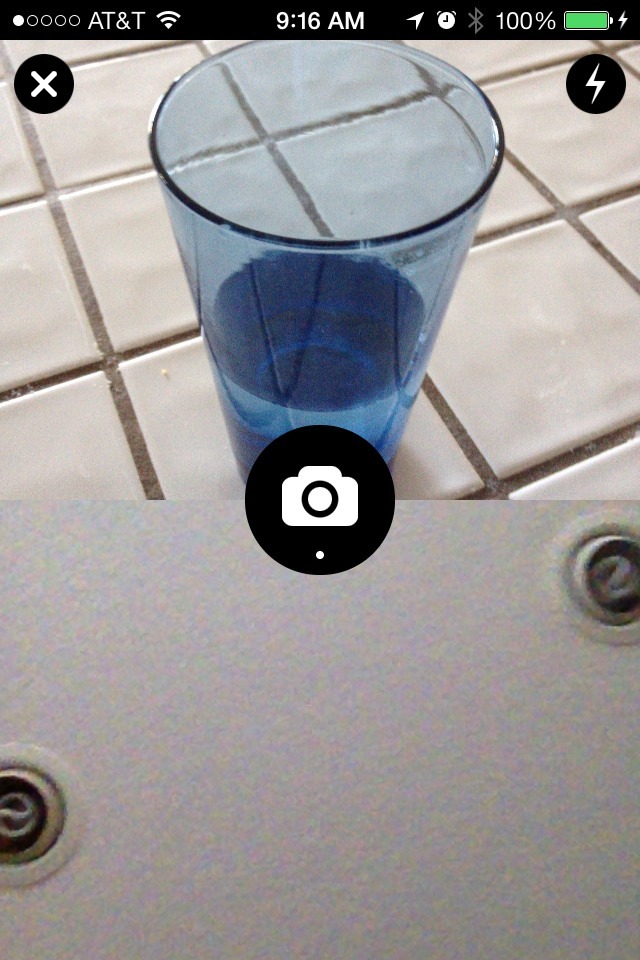
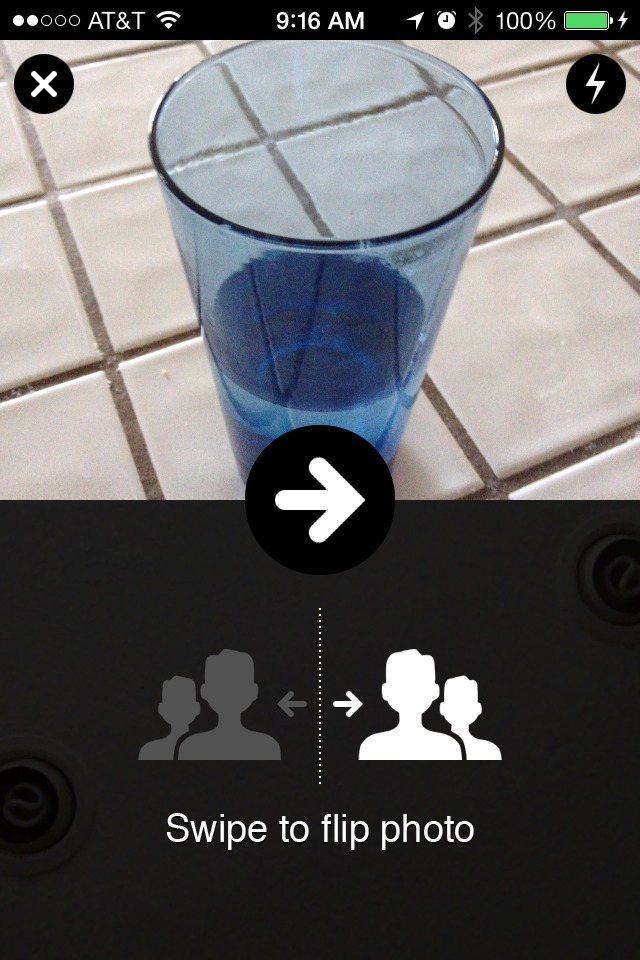
In addition to viewing a sample content stream, I was also able to experiment with the photo taking functionality. When I tapped the camera icon, the rear camera came on by default and, when I snapped the first photo, it automatically switched to the front-facing camera. After the second photo I was shown an inline, modeless hint teaching me how to flip the front-facing photo if I didn’t like how I turned out. This inline hint did not display in subsequent uses.
The app returned me to the sign-up screen when I tried to share my frontback. The sign-up experience was limited to 3 steps with a 4th, optional step. After completing the sign up process, I was returned to the final step of sharing my frontback.
Even as a signed-in user, my stream was still defaulted to staff picks so that I wasn’t required to do work in order to start getting a feed of content.
The app’s approach of providing free samples allowed the content of the app to best explain the value proposition, more than any product tour or sign-up text could have done. The single case of inline help they provided made sense for the simple functionality of the app.