
Jelly app for iPhone uses your social network as a means for answering short questions.
Unfortunately, my first time user experience was extremely truncated and left a lot of room for improvement.
The first screen is a simple welcome overlay, which gives me a brief and somewhat vague value proposition. There is an action written at the bottom (“Swipe down any card to close it”) which seems to be trying to teach me how to close any other cards I might encounter in the future.
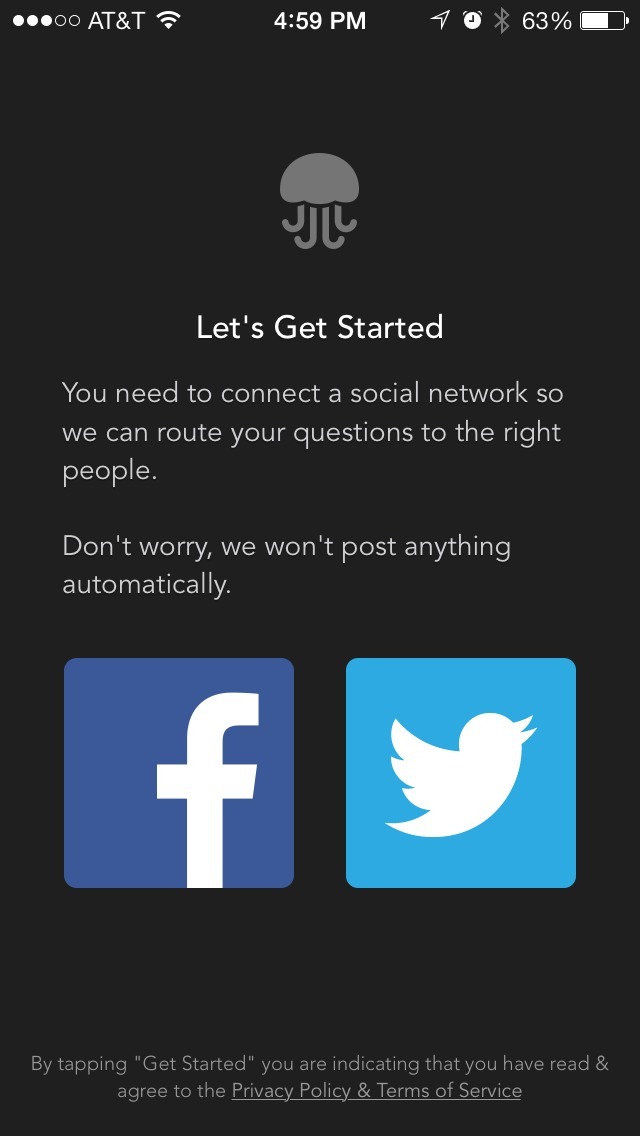
Next I am asked to connect via Twitter or Facebook, without any real indication of what to expect after I do this. This is the first wall, and one that is going to be difficult to get some users to commit to without seeing what they’ll get out of it. One good thing is the inclusion of a message about how this information will (and won’t) be used.
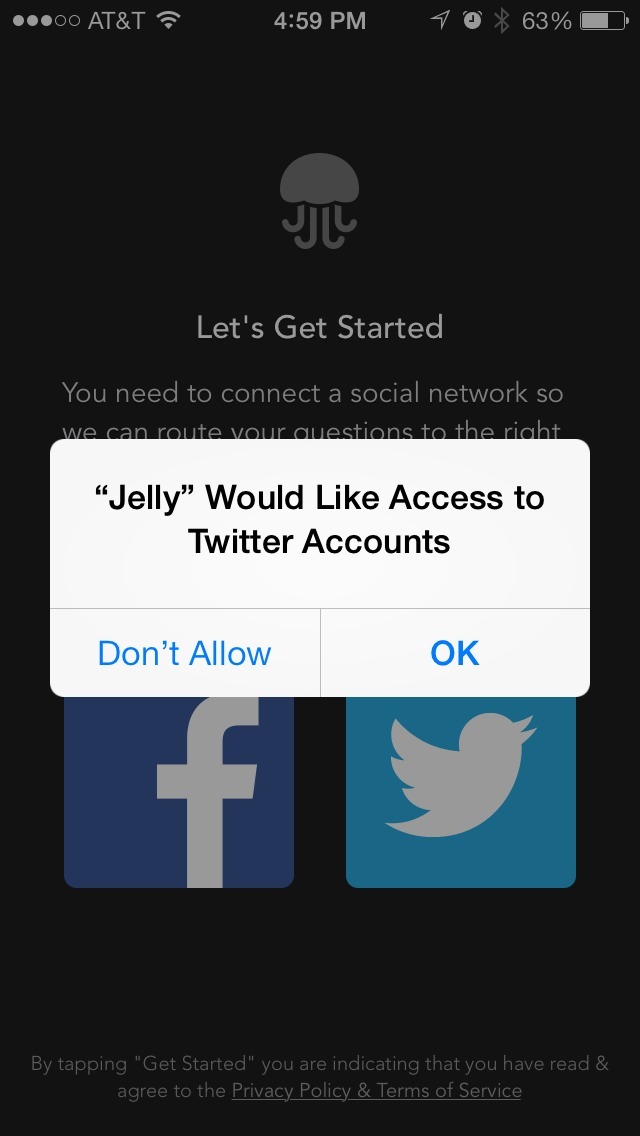
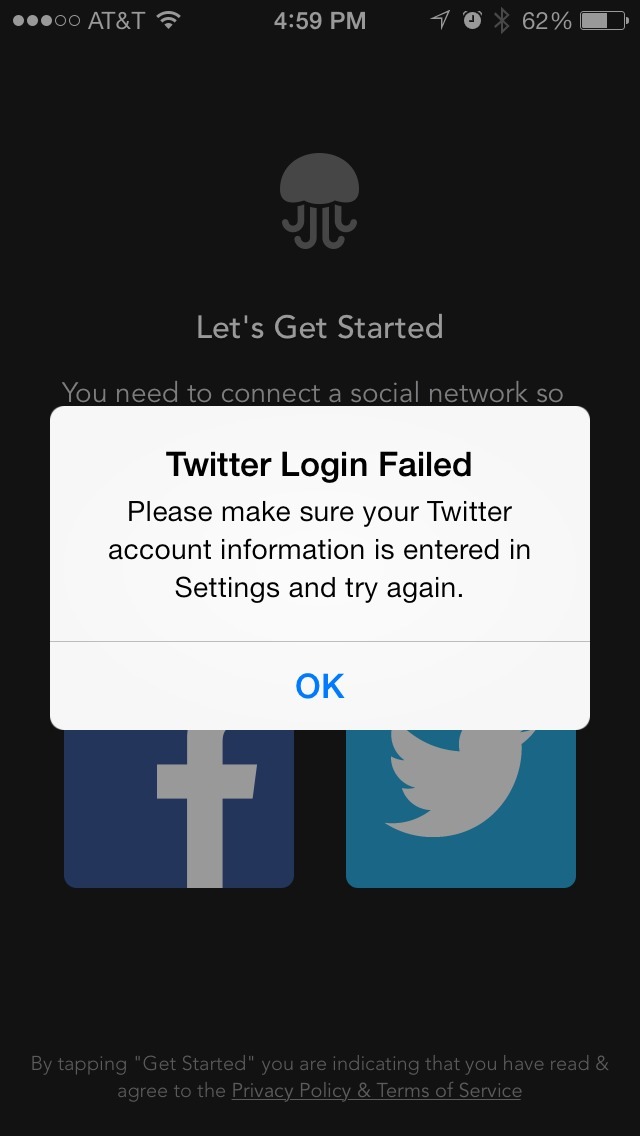
I decide I’m willing to take the plunge and attempt connecting with my Twitter account. By principle, I don’t use my Facebook account with 3rd party apps. Unfortunately I haven’t updated my Twitter settings in iOS recently, so I am asked to manually exit Jelly, go into my iOS Settings panel, fix the information, and return to Jelly. This is another detour and would be a point of departure for a less patient user.
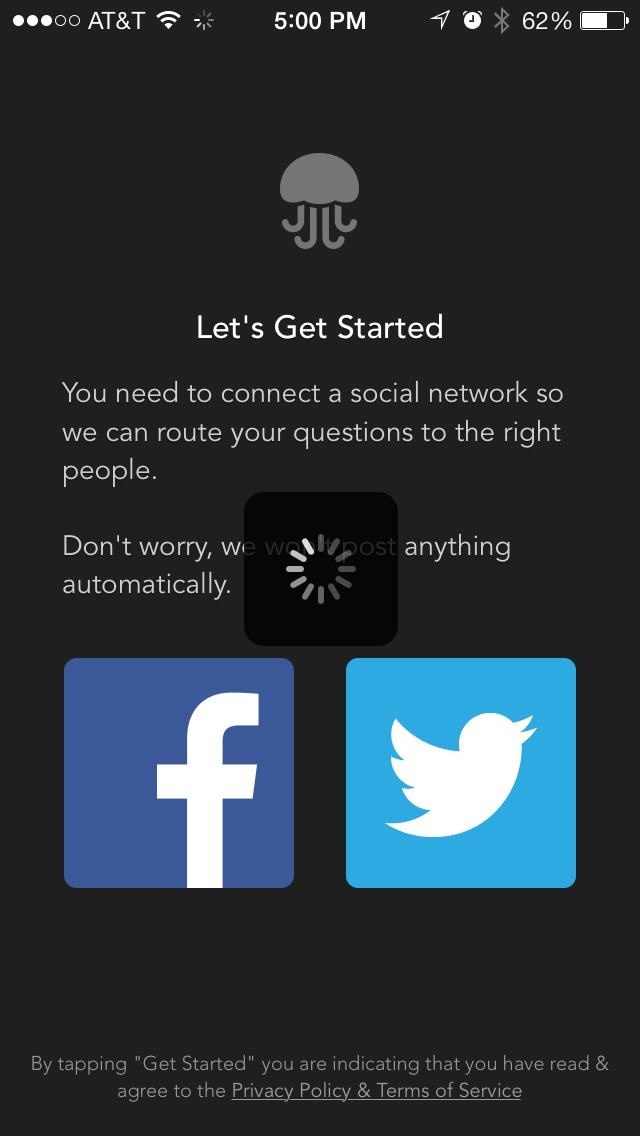
I try connecting to Twitter again. This time, it looks promising. A spinner appears in place and I wait to move on. Unfortunately, it’s not to be.
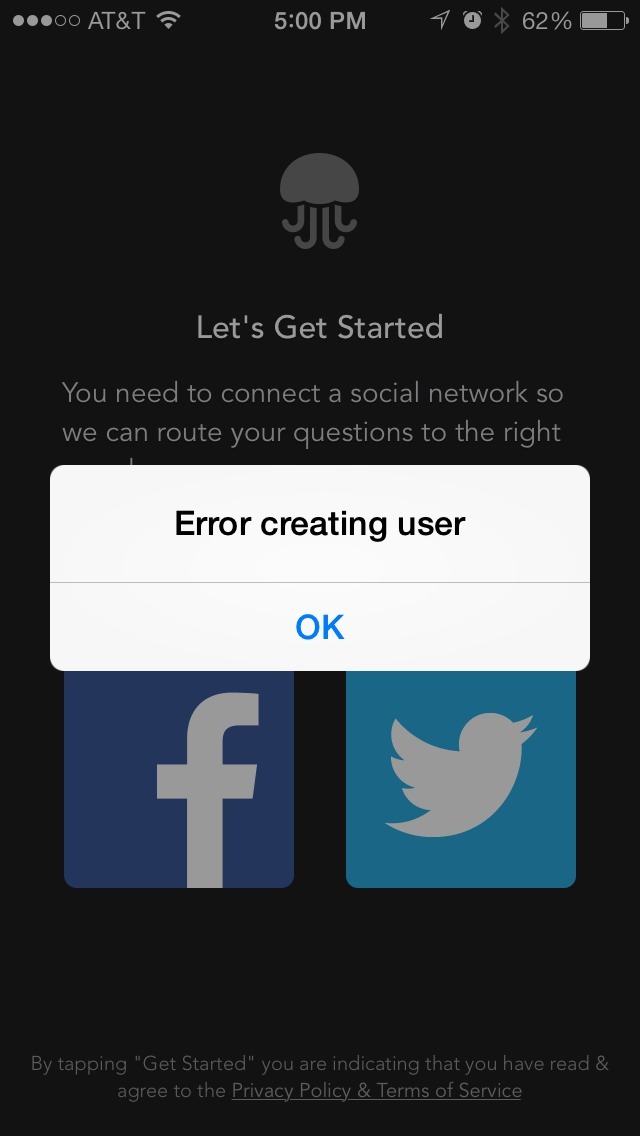
I’m given an unhelpful error message, “Error creating user”, with no further actions I can take. I try this several more times with the same result and finally give up.
This is one reason why I recommend providing sample interactions before asking a user to sign up/connect with their accounts; at least they’ll have seen some of the value of your app. Then, in the event account-related errors surface, they may be more willing to try again.